The Best Drawing Tablets for Beginners (UK): Four XPPen Picks
Starting digital art? We explain pen tablets vs screen tablets and pick four XPPen drawing tablets for beginners, students and hobbyists, from £28.99.
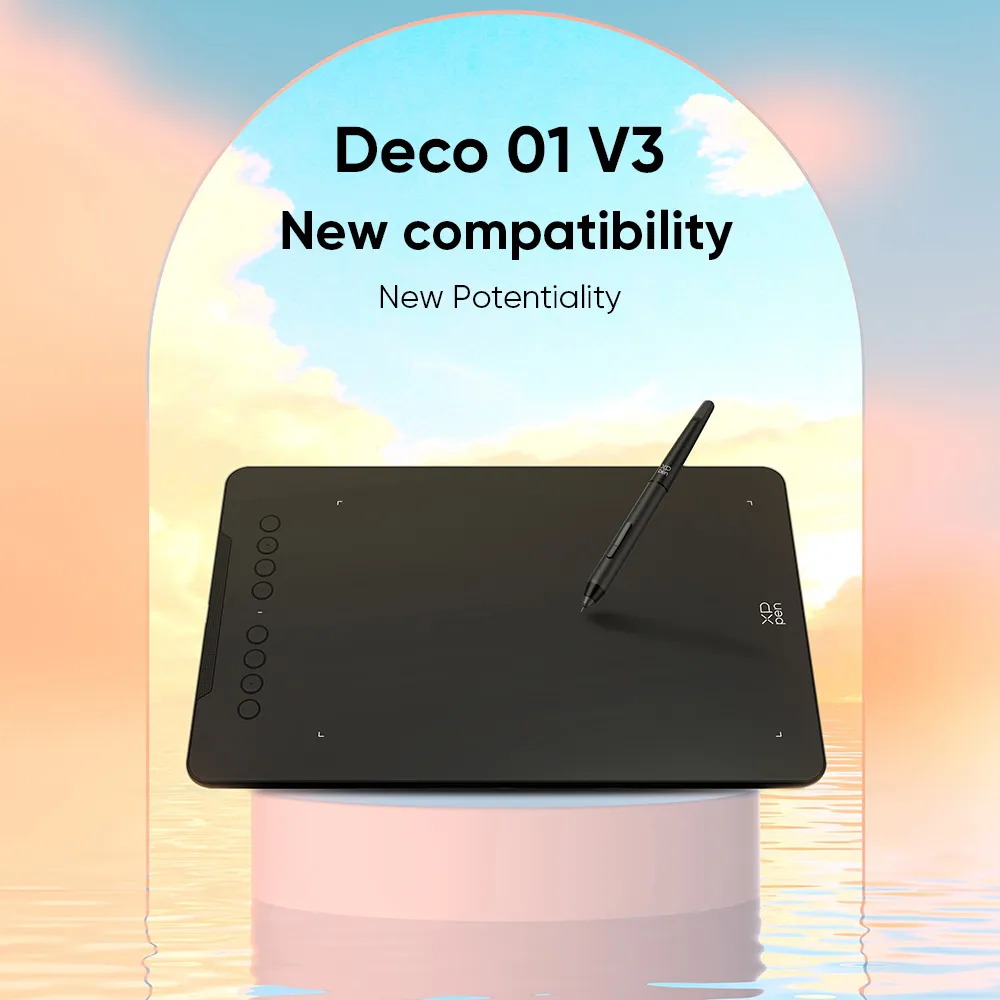
XPPen Deco 01 V3
A big, slim pen tablet at a beginner price.
- Large 10 x 6.25in drawing area
- 16,384 pressure levels with tilt
- Battery-free pen
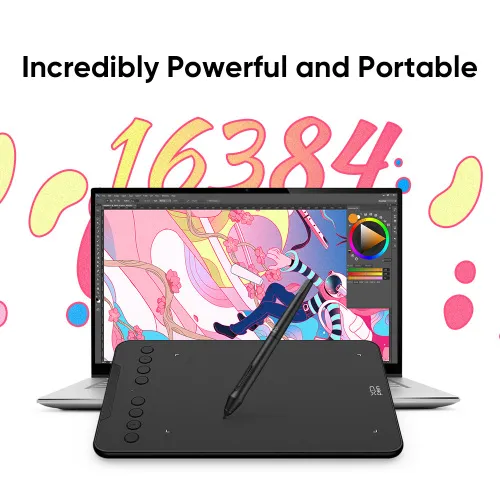
XPPen Deco Mini7 V2
The cheapest way to try digital drawing.
- Under £30
- Works with Chromebooks and Android
- Small and portable
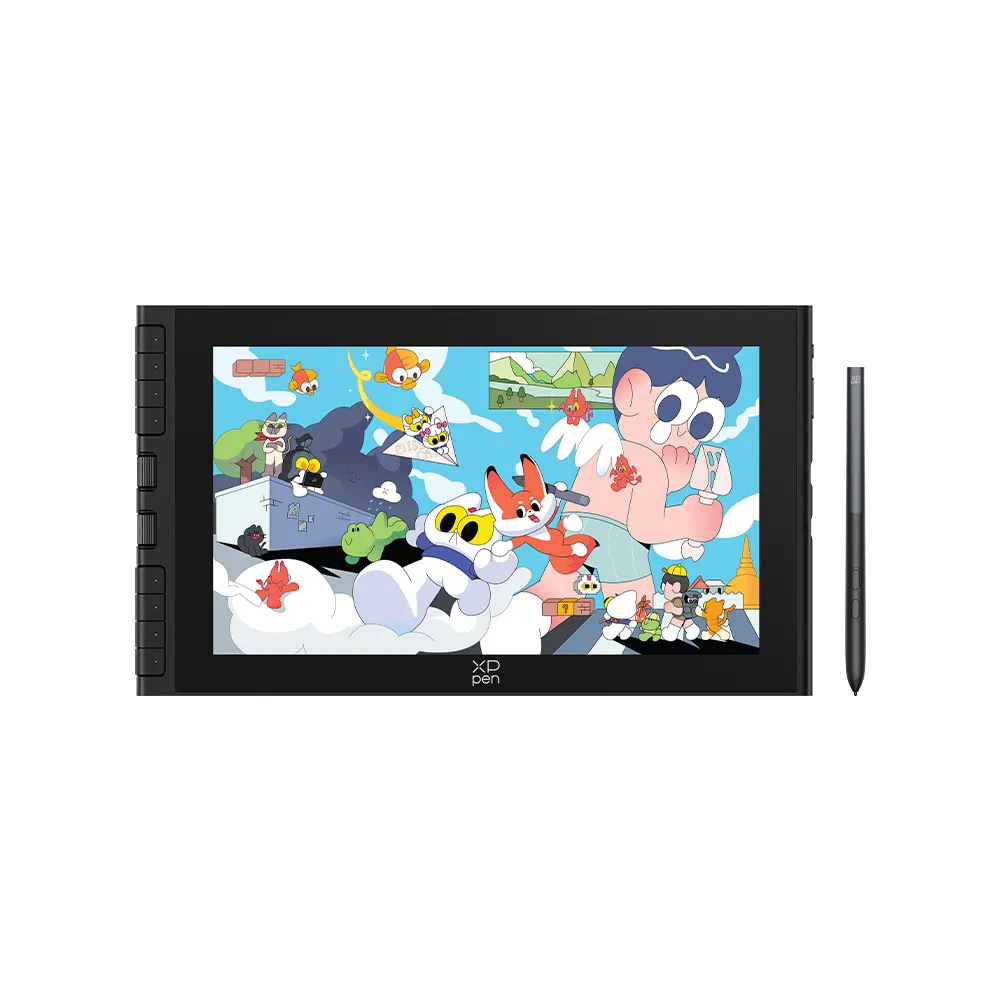
XPPen Artist 12 3rd
Draw straight onto a crisp 11.9in screen.
- Draw directly on the screen
- Full HD with 99% sRGB colour
- Paper-like anti-glare glass
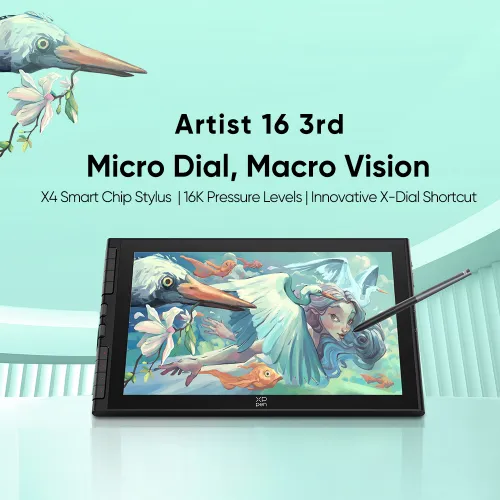
XPPen Artist 16 3rd
The same great features on a roomy 15.4in screen.
- Big 15.4in Full HD screen
- 99% sRGB colour
- X4 pen with 16K pressure levels
Whether you want to try digital art, edit photos, take handwritten notes or help a child who loves drawing, a drawing tablet is the easiest way to start. You draw with a pen, and your lines appear on screen, just like pencil on paper.
XPPen is one of the most popular drawing tablet brands for beginners, with a UK store and UK dispatch on many models. We've picked four tablets for different budgets and skill levels.
Ways to save at XPPen UK
- All four of our picks are on sale at the time of writing
- Free shipping and a 24-month warranty
- Most models dispatch from the UK warehouse in 3 to 5 working days
- See today's offers at XPPen UK
First, pen tablet or screen tablet?
- Pen tablet (no screen): you draw on a pad and watch the lines appear on your computer. It's cheaper, lighter and great for learning. It takes a few days to get used to looking up while you draw.
- Pen display (with screen): you draw directly on the screen, like paper. It feels more natural, but it costs more and needs a little more desk space.
Get our best buying guides
New reviews, price drops and deals we trust, sent straight to your inbox. No spam.
The four tablets side by side
| Deco Mini7 V2 | Deco 01 V3 | Artist 12 3rd | Artist 16 3rd | |
|---|---|---|---|---|
| Type | Pen tablet | Pen tablet | Pen display | Pen display |
| Drawing area / screen | 7 x 4.4in | 10 x 6.25in | 11.9in Full HD | 15.4in Full HD |
| Pressure levels | See listing | 16,384 | 16,384 | 16,384 |
| Best for | Kids and tight budgets | Most beginners | Drawing on screen | Bigger screen, serious hobby |
| Price | £28.99 | £40.99 | £170.99 | £242.99 |
What to look for in a drawing tablet
- Size. A bigger drawing area lets you use your whole arm, which feels more natural. Smaller tablets are cheaper and easier to carry.
- Pressure sensitivity. This is how the pen turns light and hard presses into thin and thick lines. Anything from 8,192 levels upwards is plenty for beginners.
- Tilt support. Lets you shade by tilting the pen, just like a pencil.
- Battery-free pen. No charging, so the pen is always ready.
- Shortcut keys and dials. Buttons for undo, zoom and brush size save lots of time once you get going.
- Compatibility. Check it works with your computer, Chromebook or Android device, and the software you want to use.
What do customers say about XPPen UK?
There isn't much feedback for the UK store yet. Its Trustpilot page has only two reviews, both 5 stars, praising helpful customer service and quick delivery. With so few reviews, it's worth keeping your order details and using the warranty if you have any problems.
So, which one should you buy?
Go for the Deco Mini7 V2 for a child or if you just want to try digital drawing for under £30.
Go for the Deco 01 V3 if you're a beginner who wants room to grow.
Go for the Artist 12 3rd if you want to draw directly on a screen.
Go for the Artist 16 3rd if you're serious about digital art and want a bigger screen.
Not quite right? See all pen tablets at XPPen UK
Common questions
Do I need a computer to use a drawing tablet?
Yes, for the tablets in this guide. They connect to a computer (and some Android devices) and work with drawing software. XPPen also sells standalone drawing pads that work on their own.
What software can I use?
Free programs such as Krita work well for beginners. Many people also use paid apps like Photoshop or Clip Studio Paint.
Is a drawing tablet good for kids?
Yes. A small pen tablet like the Deco Mini7 V2 is affordable and robust, and the battery-free pen means there's nothing to charge.
Can I use a drawing tablet for note-taking or teaching online?
Yes. Many teachers and students use them to write on screen, annotate slides and sign documents.
Related guides
Prices, offers and ratings can change, so check the latest price before you buy. If you buy through our links, Savified may earn a small commission at no extra cost to you. It helps keep our guides free.
- We researched popular options sold by major UK retailers.
- We compared features, specifications and verified buyer reviews.
- We checked prices across several stores so you can see where it is cheapest.
XPPen Deco 01 V3
The Deco 01 V3 is our top pick for most beginners. Its 10 x 6.25in drawing area gives you plenty of room, yet it's only 8mm thin. The battery-free pen has 16,384 pressure levels and 60-degree tilt, so shading feels natural.
Eight round shortcut keys can be set up for undo, zoom and your favourite brushes. It also works with Android devices.
✓What We Like
- Large 10 x 6.25in drawing area
- 16,384 pressure levels with tilt
- Battery-free pen
- 8 customisable shortcut keys
- Ships from the UK
✕What to Keep in Mind
- No screen, so it takes a little practice
- Needs a computer or Android device
XPPen Deco Mini7 V2
If you're buying for a child or just want to see if digital art is for you, the Deco Mini7 V2 costs less than £30. The 7 x 4.4in drawing area is small enough for a school bag, and it works with Windows, Mac, Chromebooks and Android.
At the time of writing, XPPen says this model ships directly from the factory rather than the UK warehouse, taking about 10 days.
✓What We Like
- Under £30
- Works with Chromebooks and Android
- Small and portable
- Great first tablet for kids
✕What to Keep in Mind
- Smaller drawing area
- Longer delivery, about 10 days
XPPen Artist 12 3rd
With the Artist 12 3rd you draw directly on the screen, which feels much more like paper. The 11.9in Full HD display covers 99% sRGB, so colours look accurate, and the anti-glare etched glass has a slight paper-like texture.
The X4 Smart Chip pen has 16K pressure levels and needs only 2g of pressure to start a line. Dual X-Dials and 8 shortcut keys make zooming and changing brushes quick, and a single USB-C cable keeps setup simple.
✓What We Like
- Draw directly on the screen
- Full HD with 99% sRGB colour
- Paper-like anti-glare glass
- Dials and 8 shortcut keys
- Foldable stand included
✕What to Keep in Mind
- Costs more than a pen tablet
- Needs a computer
XPPen Artist 16 3rd
The Artist 16 3rd has everything we like about the Artist 12, on a bigger 15.4in Full HD screen. The extra space makes detailed work and long sessions much more comfortable.
It's a good step up for students, hobbyists getting serious, or anyone who already knows they love drawing digitally.
✓What We Like
- Big 15.4in Full HD screen
- 99% sRGB colour
- X4 pen with 16K pressure levels
- Dials, shortcut keys and stand
✕What to Keep in Mind
- Takes more desk space
- The most expensive pick
Savified publishes independent buying guides for UK shoppers. We research products, compare them across trusted UK retailers and keep prices up to date, so you can buy with confidence.
About Savified →

